

UI / UX Design : Kretamart
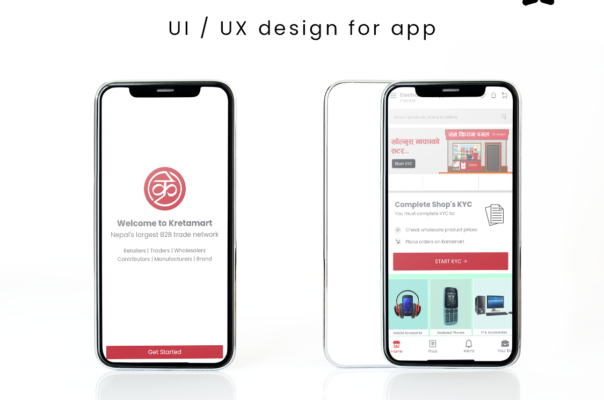
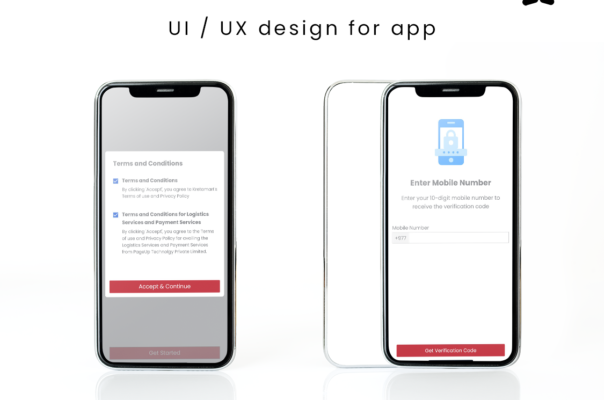
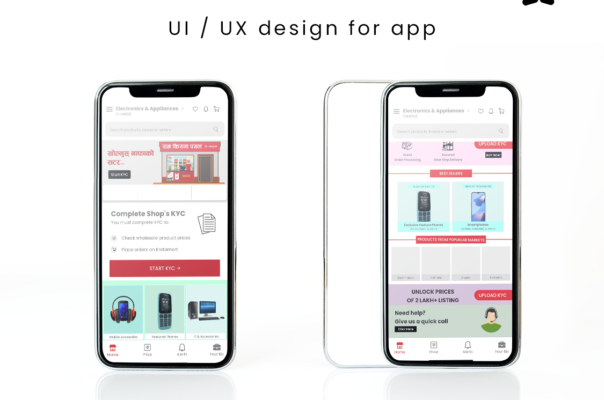
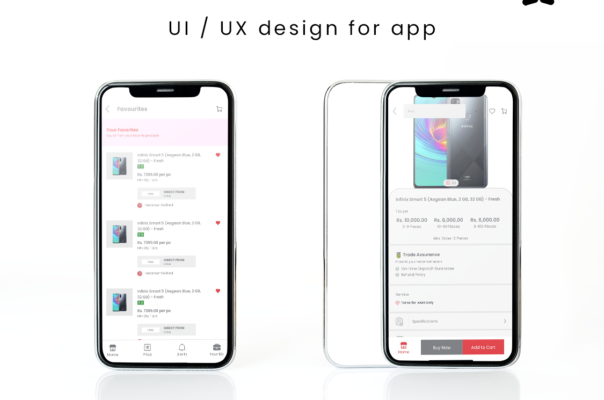
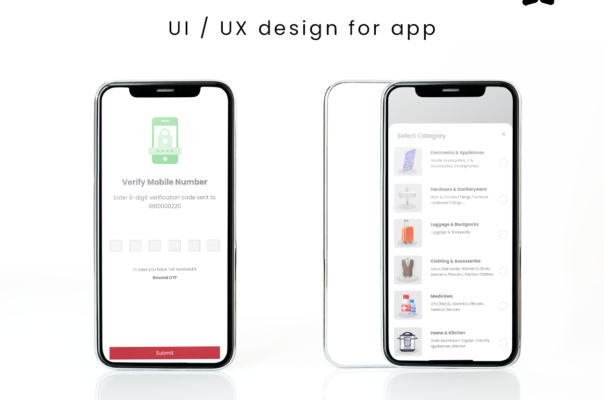
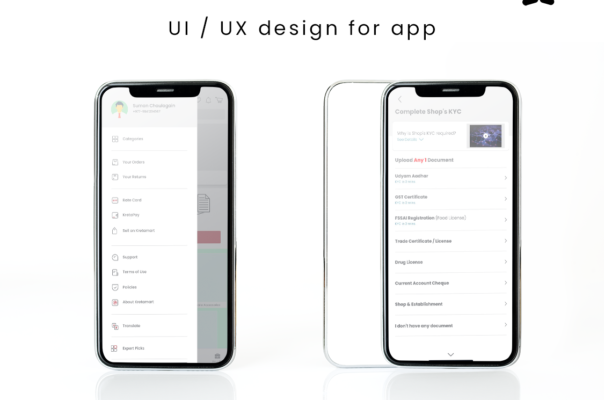
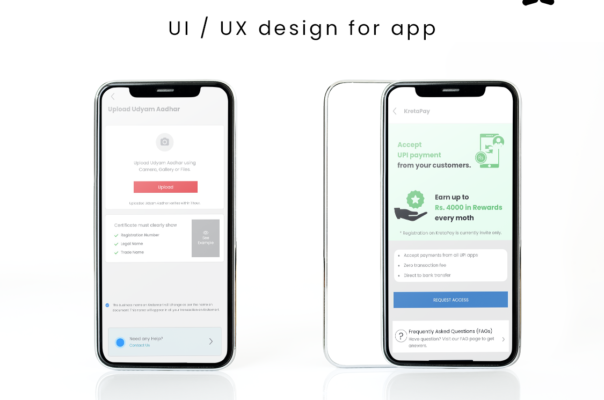
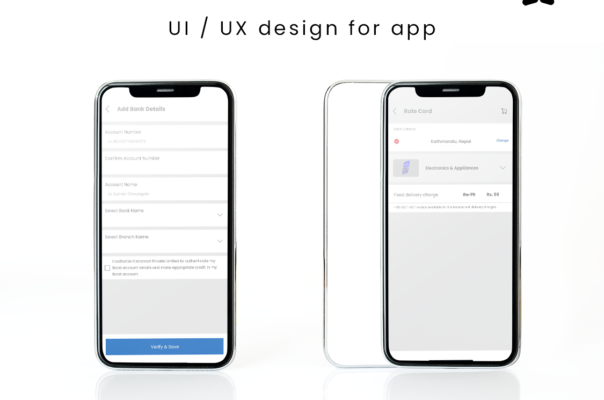
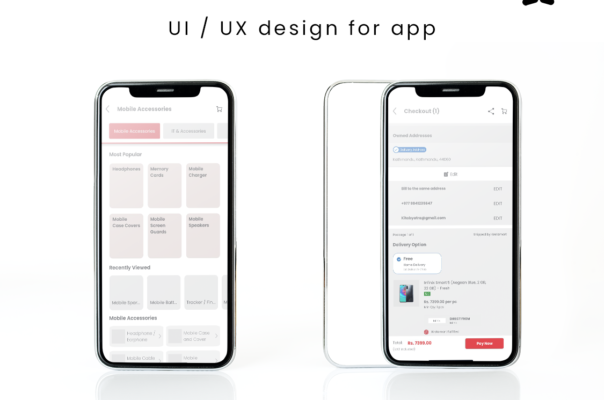

//UI / UX Design : Kretamart
UI / UX Design : Kretamart
Category : UI Design
As a UI/UX designer, your goal is to create intuitive, visually appealing, and user-centric interfaces. Here are some tips and tricks to enhance your UI/UX design skills:
- Understand the User: Conduct thorough research to understand the target audience, their needs, and pain points. This will help you design interfaces that cater to their specific requirements.
- Create User Personas: Develop fictional representations of your target users, including their demographics, motivations, and behaviors. User personas will guide your design decisions and ensure you stay focused on the user’s perspective.
- Keep it Simple: Strive for simplicity in your designs. Avoid cluttered interfaces and unnecessary elements. Embrace minimalist design principles to create clean and visually pleasing experiences.
- Consistency is Key: Maintain consistency across your designs. Use consistent typography, color schemes, and visual elements throughout the interface. Consistency provides familiarity and helps users navigate easily.
- Focus on Readability: Ensure your designs are easy to read. Choose appropriate font sizes, line spacing, and contrast to enhance legibility. Use hierarchy to prioritize information and guide users’ attention.
- Mobile-First Approach: Given the prevalence of mobile devices, design with a mobile-first mindset. Optimize your designs for smaller screens and consider touch-based interactions.
- Use Visual Hierarchy: Arrange elements in a way that guides users’ attention. Utilize size, color, contrast, and spacing to create a clear visual hierarchy. This helps users understand the importance and relationship between different elements.
- Utilize White Space: White space (or negative space) is crucial for creating breathing room in your designs. It enhances clarity and reduces visual clutter, allowing users to focus on the essential elements.
- Incorporate Feedback: Regularly seek feedback from users and stakeholders to iteratively improve your designs. This can be done through usability testing, user interviews, or surveys. Feedback helps identify pain points and areas for improvement.
- Keep Accessibility in Mind: Design with accessibility in mind to ensure that your interfaces are usable by a wide range of users, including those with disabilities. Follow WCAG guidelines and consider aspects like color contrast, text alternatives for images, and keyboard accessibility.
- Prototype and Test: Use prototyping tools to create interactive prototypes of your designs. Test these prototypes with users to gather insights and validate your design decisions. Prototyping and testing can help identify usability issues early on.
- Stay Updated: Stay abreast of the latest UI/UX design trends, emerging technologies, and best practices. Follow industry blogs, attend conferences, and join design communities to stay inspired and continue learning.
Remember, UI/UX design is an iterative process, and continuous learning and improvement are essential. Keep experimenting, seeking feedback, and refining your designs to create exceptional user experiences.